Would your parent enjoy a digital photo frame?
Skylight's 10-inch Frame is one option. The most useful feature may be the family member who keeps sending photos.
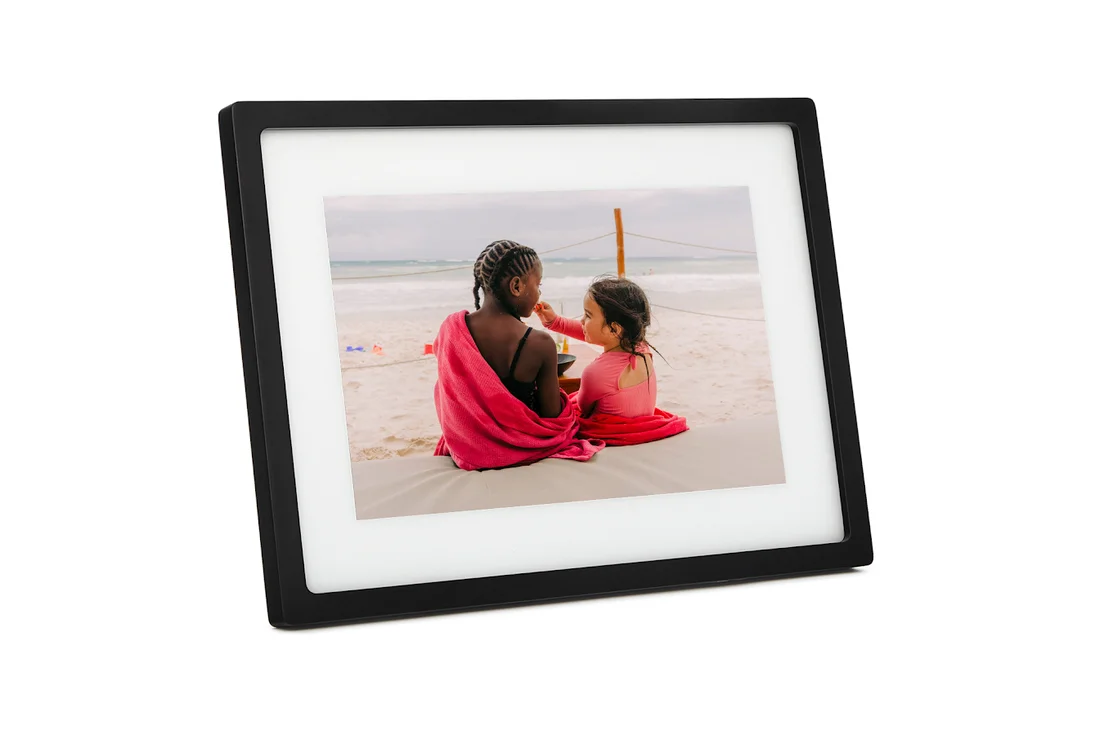
Skylight 10-inch Frame
- Consider it for
- A parent who enjoys family photos, with someone available to set it up and keep sharing.
- Budget to check
- $139.99 displayed September 28, 2026. Basic photo sharing does not require a subscription; optional paid features are separate.
- Pause if
- They would prefer printed photos, or nobody can help with Wi-Fi and ongoing photo sharing.
Affiliate link: we may earn a commission at no extra cost to you. Check the exact model and full terms before buying.
Our assessment: This is worth considering for someone who wants family photos on display and has help with initial setup. It is not a substitute for conversation, and we have not established that this product improves loneliness, memory, or health.
Link disclosure: The two buying links are affiliate links: we may earn a commission at no extra cost to you. References elsewhere are ordinary source links.
What we checked
For the selected black 10-inch Frame—not Frame 2 or the 15-inch model—the manufacturer page displayed $139.99, reduced from $159.99, on September 28, 2026. Treat that as a dated price, not a lasting offer; verify delivery charges, taxes, and the selected model before purchase.
Skylight says family members can send photos through its free app or email, without a subscription for that sharing. Wi-Fi is needed for new uploads; existing photos can display offline. The page lists a 1280 × 800 touchscreen and 8GB storage, and advertises four-month free returns. Source: Skylight 10-inch Frame product page. Read the current return policy for the applicable conditions.
Decide who will do the ongoing work
- Setup: who will connect it, choose a comfortable location, and explain the controls?
- Sharing: who will send new photos, and how often would your parent like them?
- Permission: which relatives may contribute, and whose images are appropriate to share?
- Support: who will help after a router change, power interruption, or account problem?
These are our selection prompts. Try describing the actual weekly routine before buying: “Would you enjoy seeing a few new family photos here, and would you like me to help set it up?”
Check the limits that matter in this home
Ask the seller which features require Frame Plus, how account access and photo removal work, and what happens to stored photos when you stop using the service. Review its privacy policy before uploading family pictures. We have not audited its security or independently tested accessibility.
Screen size alone does not tell you whether someone can comfortably see or operate a device. Consider glare, viewing distance, placement, controls, and whether your parent prefers a simpler display. Do not assume comfort with a touchscreen based on age.
Try the simpler alternative, too
A printed photo, an album, or a familiar device may do the job. A useful first step is to share several photos through a method your parent already likes. If they enjoy that and want a dedicated display, compare digital frames against the same needs.
Check the current model, price, and included features — Affiliate link, or use our guide to choosing technology together before deciding.
Method: reviewed the selected 10-inch Frame's manufacturer page. Price, features, and return statements are attributed to the seller. No hands-on testing or clinical benefit is claimed. Send a correction.